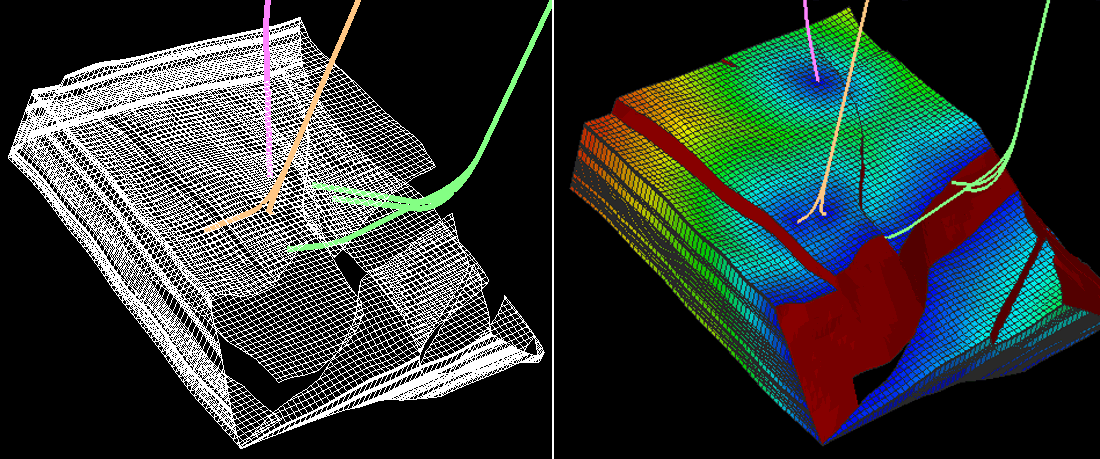
Distance functions
The distance functions, found in the 'Functions and Variables' area of the Property Calculator (for the different areas on the Property Calculator, see The Property Calculator), provide you with various methods of calculating distance between different objects. They are useful when constructing geometrical models and calculating distance to faults, distance to wells, or height above contacts, for example. Distance functions can involve projection. For more on projection, see Projection.
Example 1 Distance function
The Distance function returns values based on the distance of a cell from a specified object or objects.
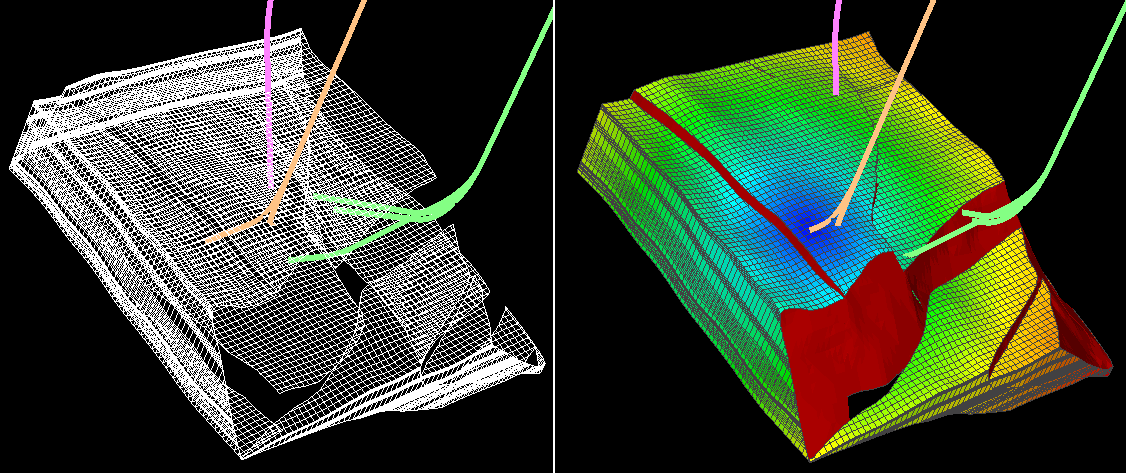
Distance(wellBore, "W1"). The Distance function for a single wellbore (called W1) click to enlarge
Example 2 Distance function (multiple objects)
You can use the Distance function with multiple objects (two wellbores in this example).
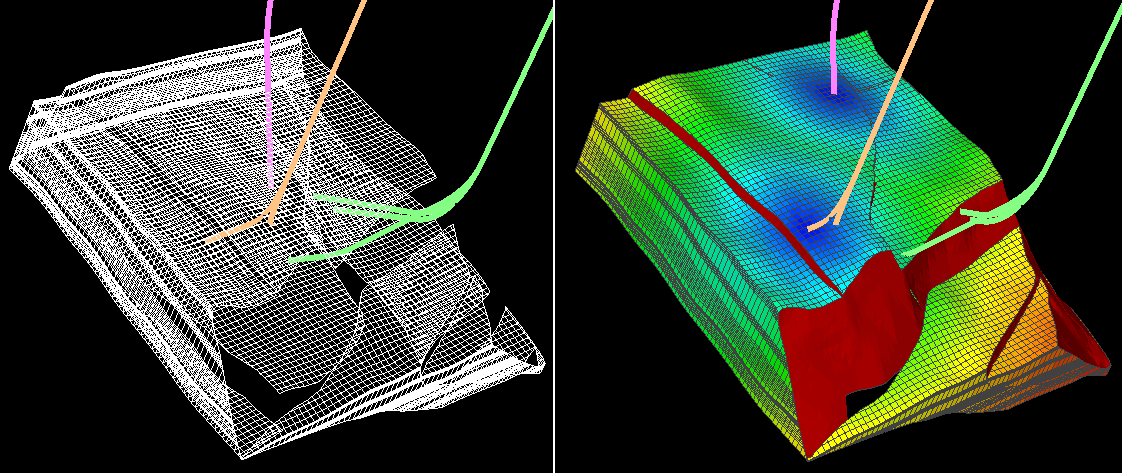
Distance(wellBore, "W1, W7”). The Distance function with two wellbores specified (W1 and W7) click to enlarge
Example 3 Distance function
The Distance function with all objects of the specified type (all wellbores in this example).
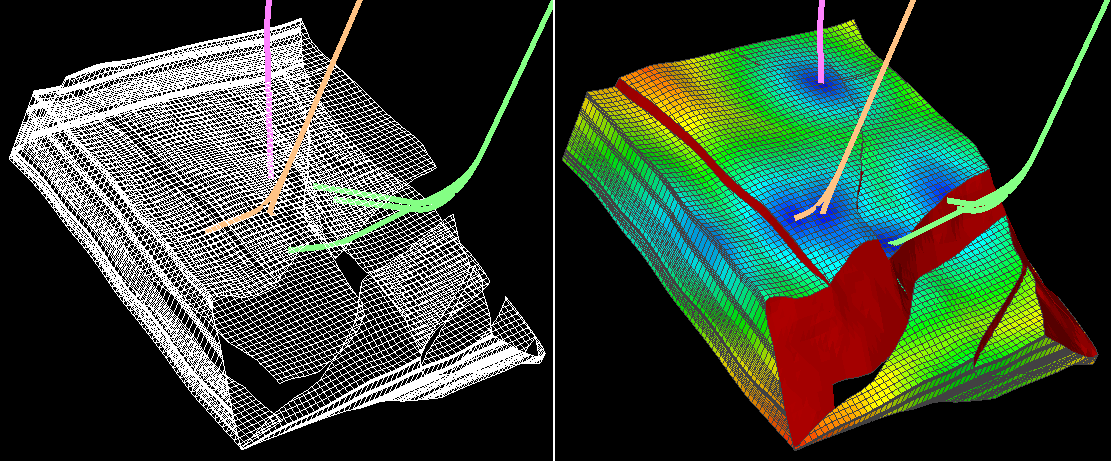
Distance(wellBore). If no names are specified, the function includes all objects of the specified type click to enlarge
Example 4 Distance function
The Distance function can also be specified to use projection on a plane.
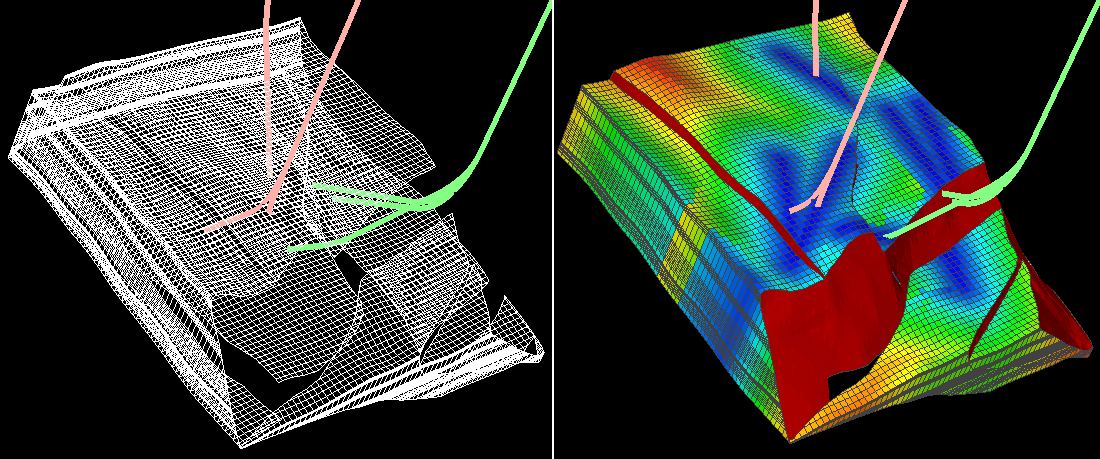
Distance(wellBore, "all", 0, 0, 1). The Distance function with all wellbores includes and projected on a plane click to enlarge
Example 5 Distance function
The Distance function can include different object types - here a tri-mesh in addition to all wellbores.
Distance(wellBore, "all", triMesh, "Mid"). Distance function with tri-mesh called Mid included click to enlarge
Example 6 Distance functions
This example illustrates the differences between the Distance functions.
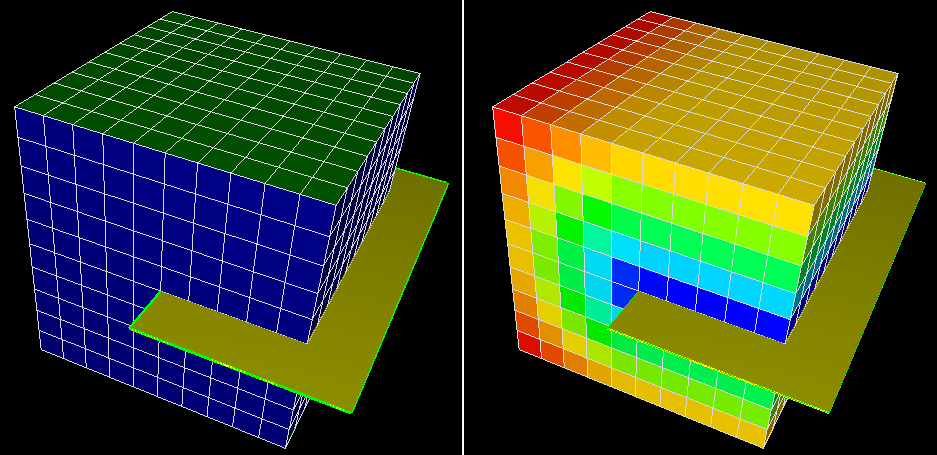
Distance(triMesh, "Test") click to enlarge
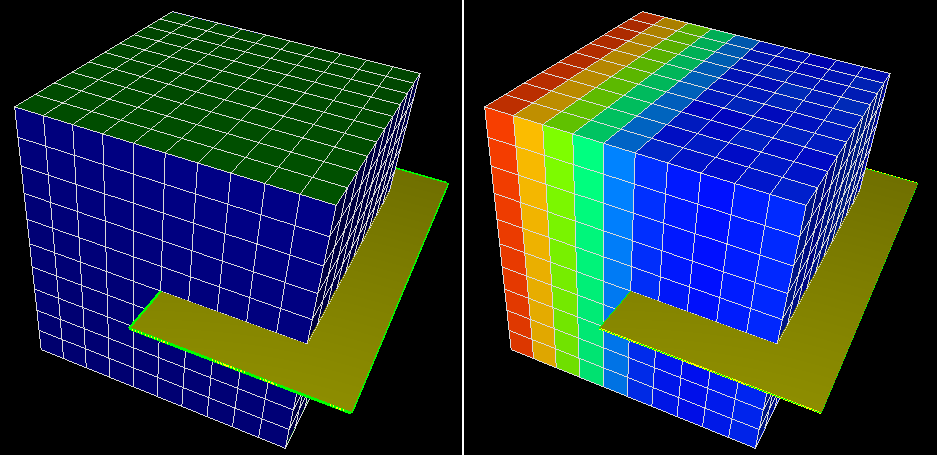
Distance(triMesh, "Test", 0, 0, 1) click to enlarge
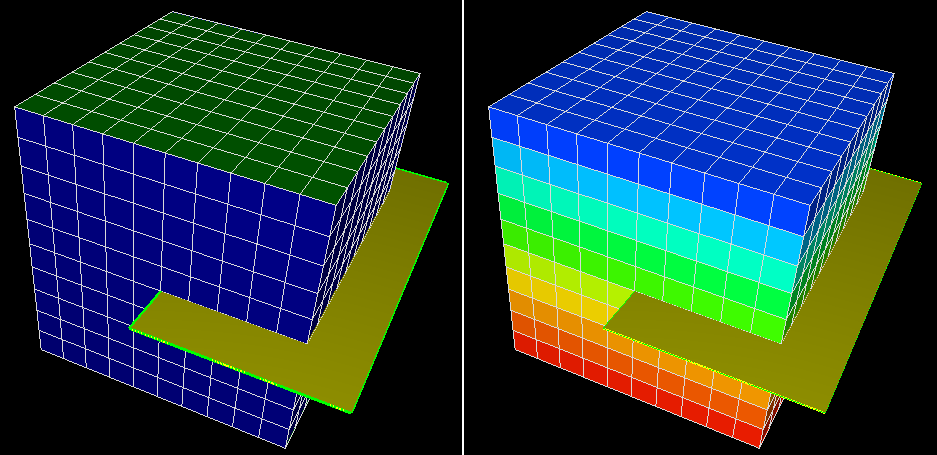
DistanceS(triMesh, "1", 0, 0, 1) click to enlarge
Example 7 DistanceS function
DistanceS function can be used to create a discrete property on a 3D grid which indicates different regions between surfaces.
if( DistanceS(grid2D, "2", 0, 0, 1) < 0 ) then 1
else if( DistanceS(grid2D, "1", 0, 0, 1) < 0 ) then 2
else 3
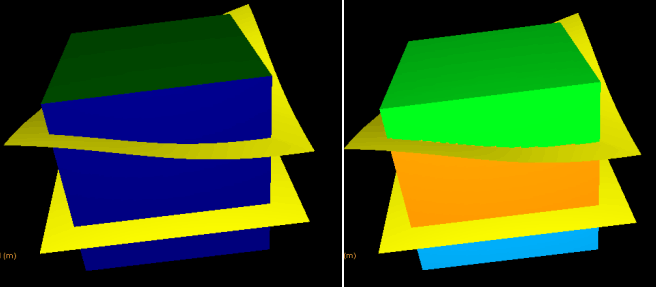
DistanceS function can be used to create a discrete property click to enlarge
Example 8 Distance and DistanceNode functions
Distance functions calculate the distance to an object and distanceNode functions calculate the distance to object nodes.
The function examples below use the following 3D mesh and vertical tri-mesh.
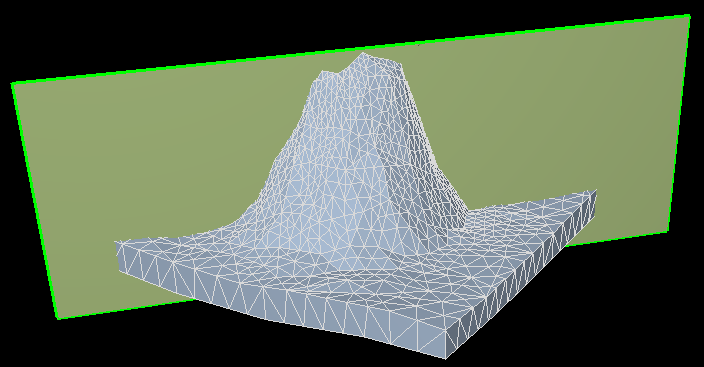
3D mesh and tri-mesh used in examples click to enlarge
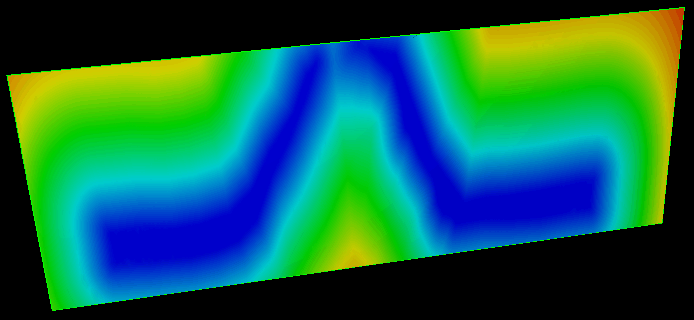
Distance(mesh3D, "08_RESERVOIR") click to enlarge
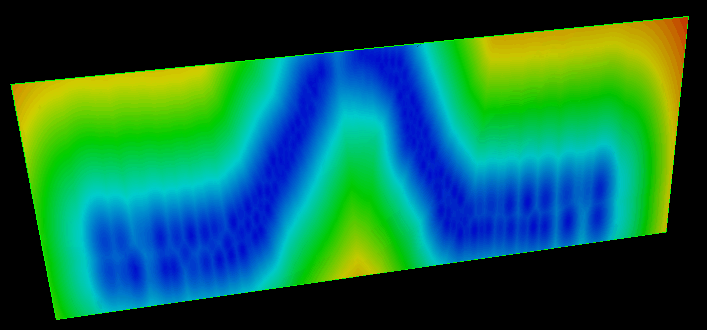
DistanceNode(mesh3D, "08_RESERVOIR") click to enlarge
Example 9 Distance and DistanceNode functions (with tri-meshes)
Distance functions calculate the distance to an object and distanceNode functions calculate the distance to object nodes.
The function examples below use the following tri-meshes (C and D):
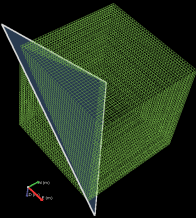
Tri-mesh C
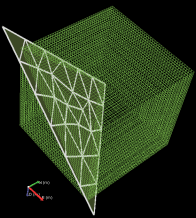
Tri-mesh D
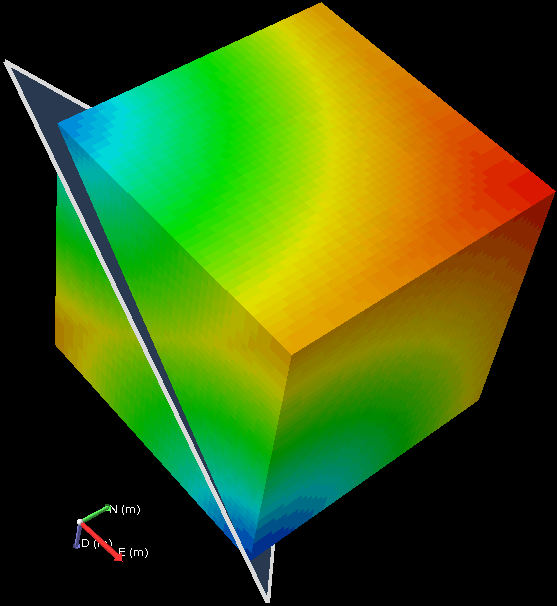
DistanceNode(triMesh, "C")
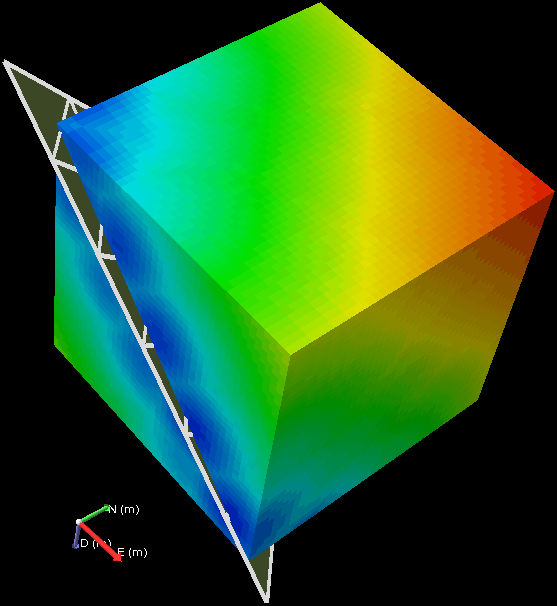
DistanceNode(triMesh, "D")
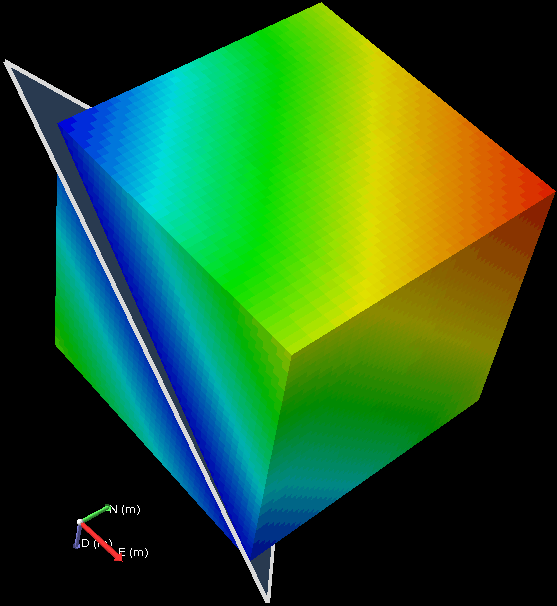
Distance(triMesh, "C")
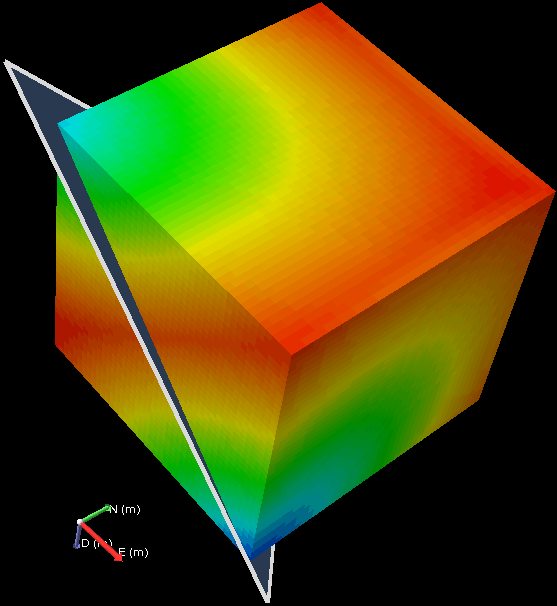
DistanceNode(triMesh, "C", 1, 1, -1)
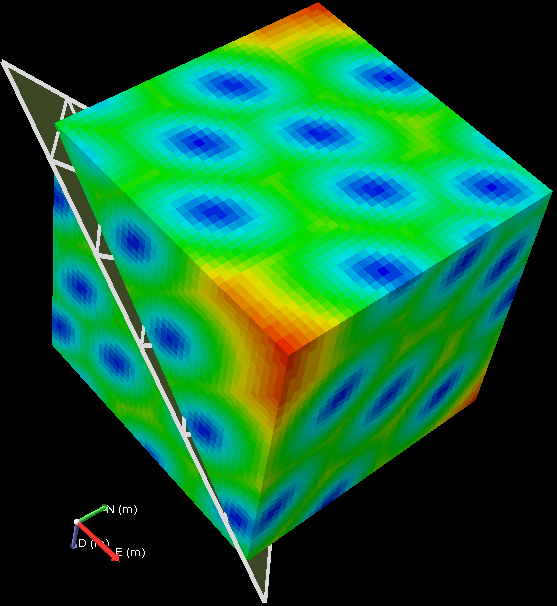
DistanceNode(triMesh, "D", 1, 1, -1)
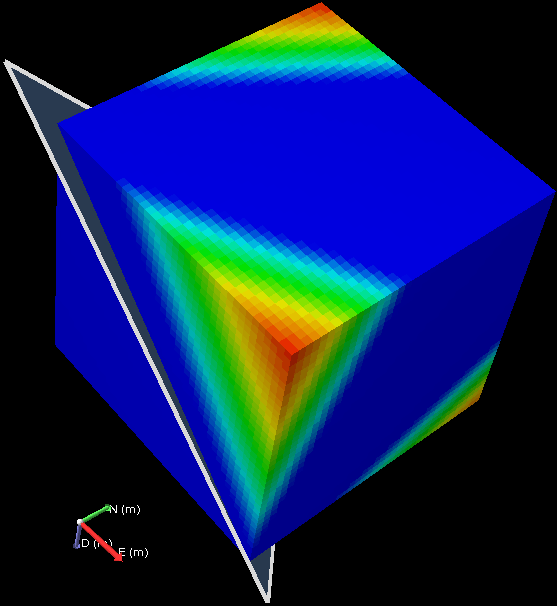
Distance(triMesh, "C", 1, 1, -1)
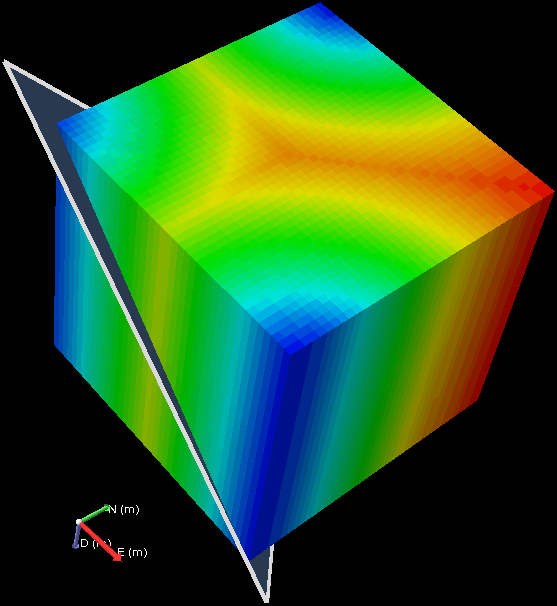
DistanceNode(triMesh, "C", 0, 0, 1)
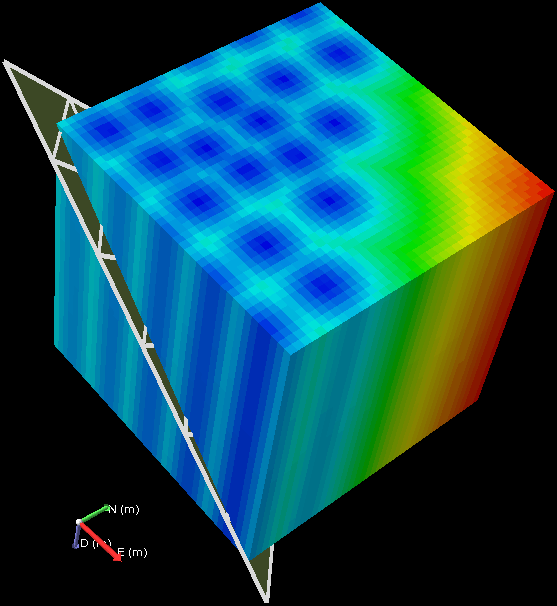
DistanceNode(triMesh, "D", 0, 0, 1)
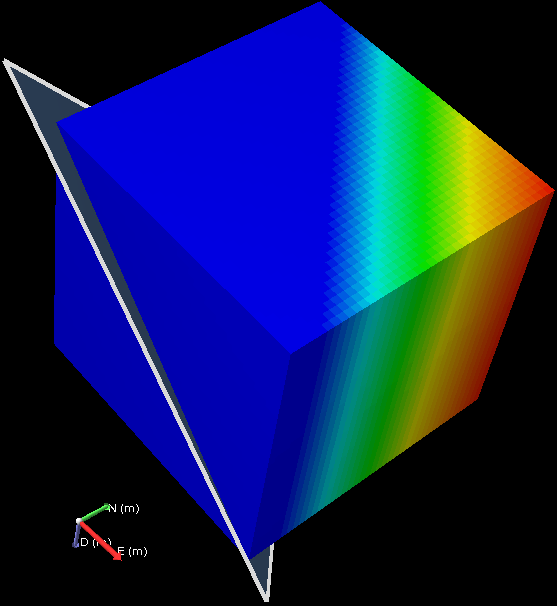
Distance(triMesh, "C", 0, 0, 1)
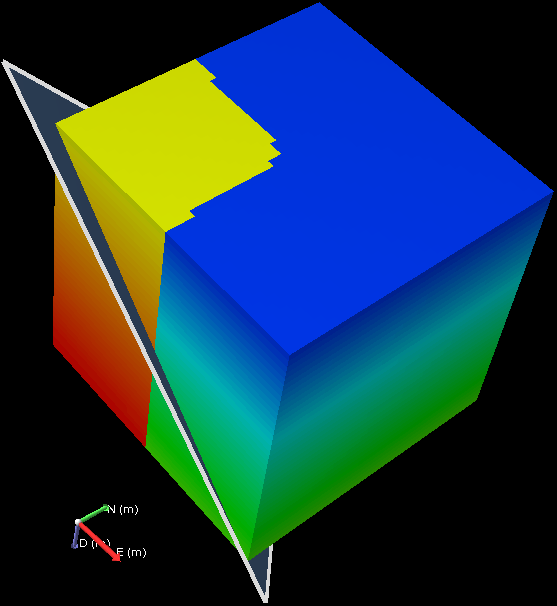
DistanceNodeS(triMesh, "C", 0, 0, 1)
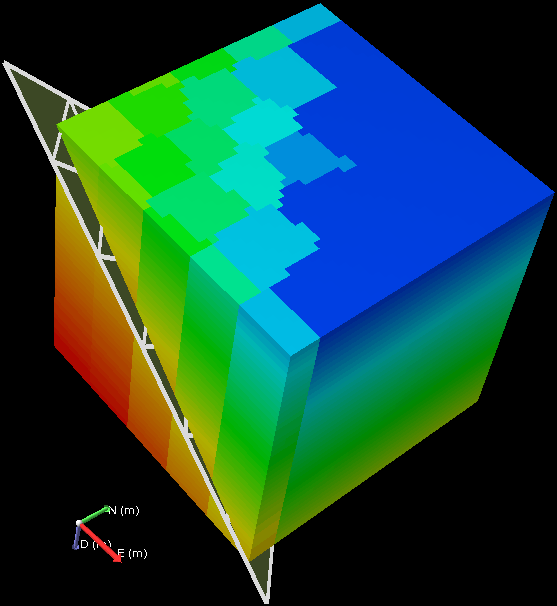
DistanceNodeS(triMesh, "D", 0, 0, 1)
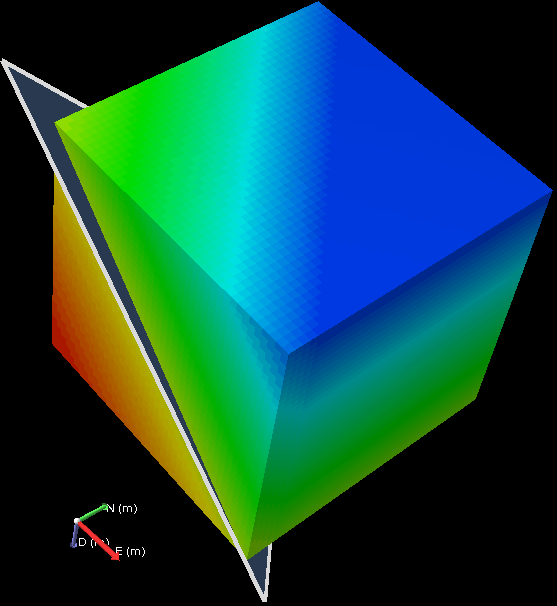
DistanceS(triMesh, "C", 0, 0, 1)
Example 10 Distance and DistanceNode functions (with 2D grids)
Distance functions calculate the distance to an object, and distanceNode functions calculate the distance to object nodes.
The function examples below use the following 2D grids (E and F):
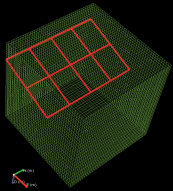
2D grid E
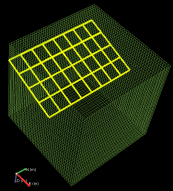
2D grid F
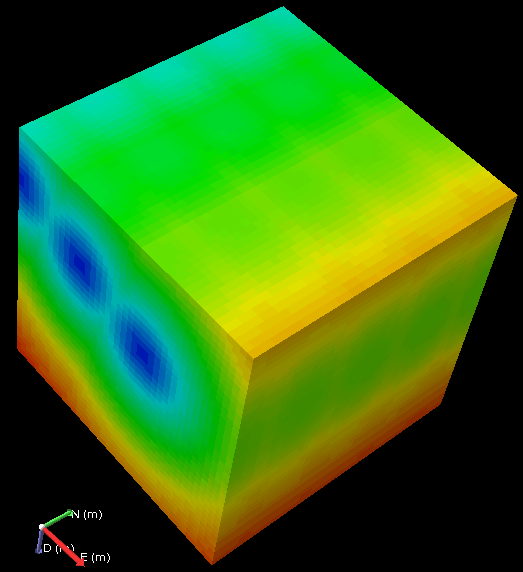
DistanceNode(grid2D, "E")
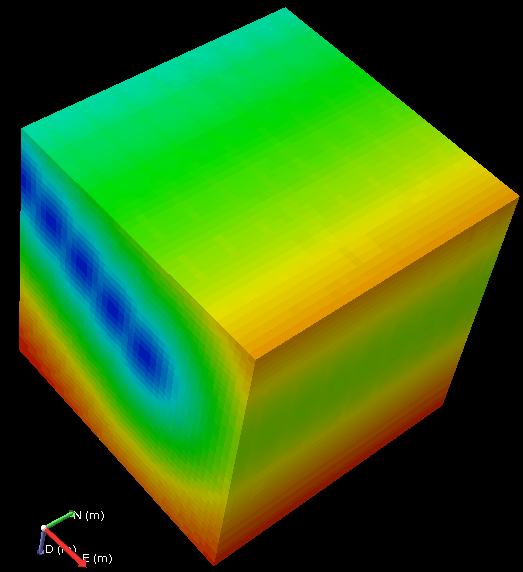
DistanceNode(grid2D, "F")
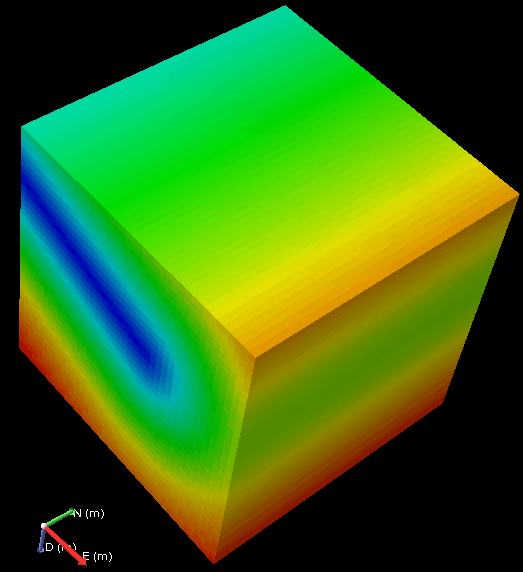
Distance(grid2D, "E")
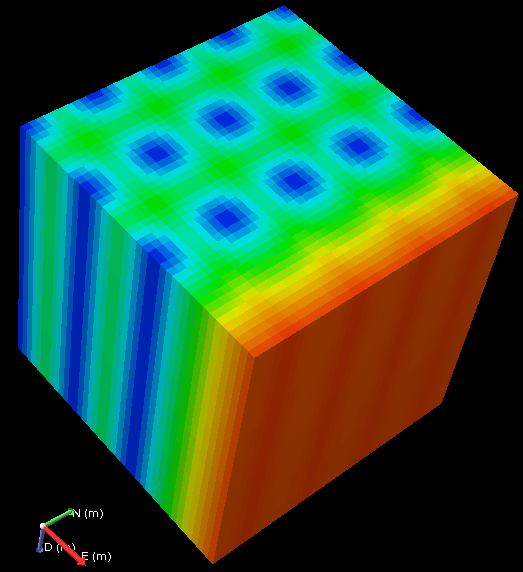
DistanceNode(grid2D, "E", 0, 0, 1)
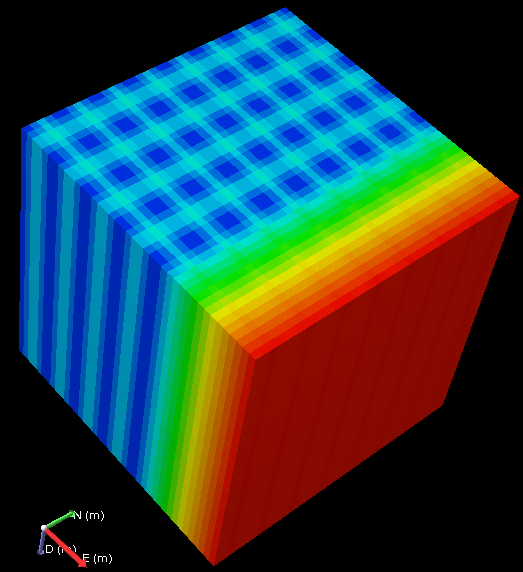
DistanceNode(grid2D, "F", 0, 0, 1)
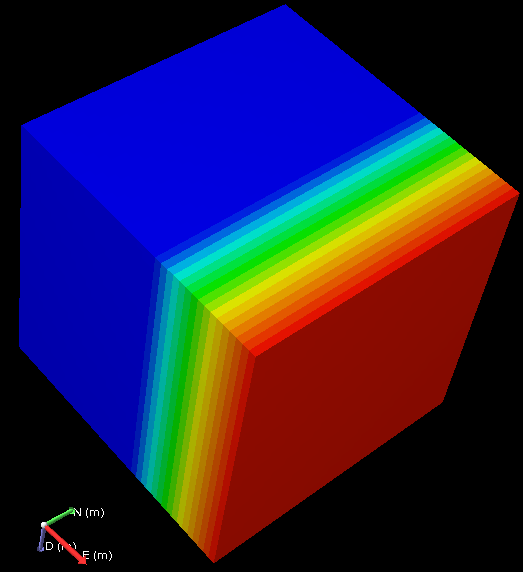
Distance(grid2D, "E", 0, 0, 1)
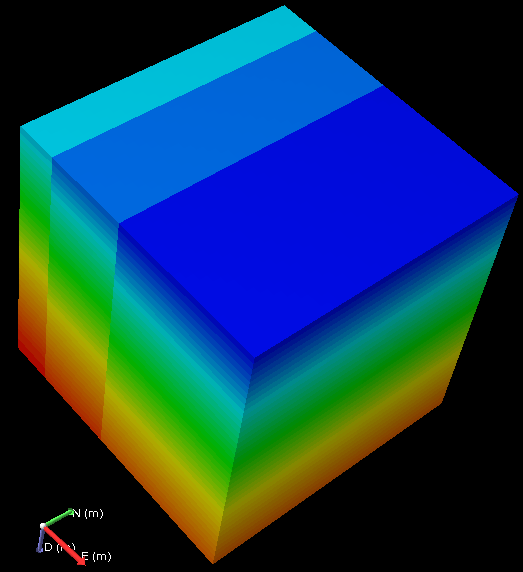
DistanceNodeS(grid2D, "E", 0, 0, 1)
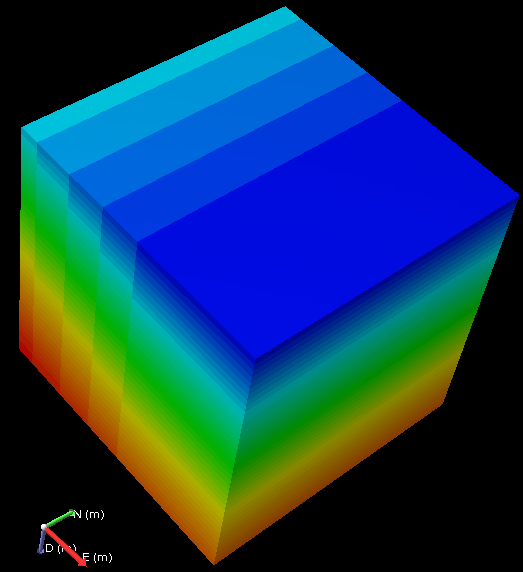
DistanceNodeS(grid2D, "F", 0, 0, 1)
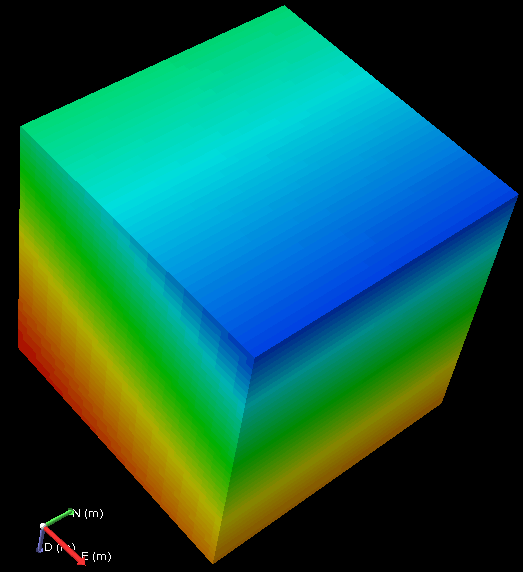
DistanceS(grid2D, "E", 0, 0, 1)
Example 11 Distance filter functions
Distance to a specified layer of a 3D grid.
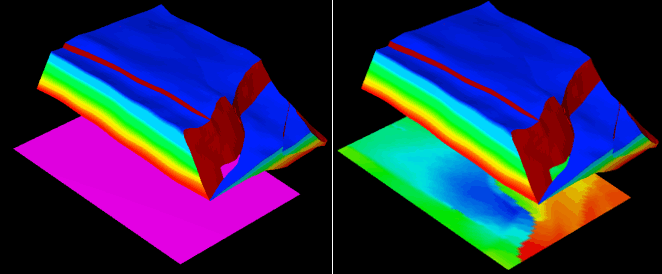
DistanceSFiltered(grid, "Field2", "LayerId", "K=12", 0, 0, 1) click to enlarge